What a Webflow site really costs per year
By the Inovaara Studio team4 min read
On this page
For a typical business site, Webflow's own yearly cost is the site plan: the Premium plan, which includes the CMS, is $25 a month billed yearly, or $300 a year. Hosting and SSL are included. The other lines in the budget are your domain, any optional add-ons, and the time or help you put into changes.
Prices below are from Webflow's pricing page, in US dollars, per site, plus any tax added at checkout. We checked them in November 2026. Webflow changes its plans from time to time, so check the page before you budget.
How much does the Webflow site plan cost?
A site plan is what puts one Webflow site on your own domain. There are three that a small or medium business would look at:
| Plan | Price | What it's for |
|---|---|---|
| Starter | Free | Trying Webflow. Publishes to a webflow.io address only, with 2 static pages. |
| Basic | $15 a month, billed yearly | Simple sites with no CMS. Your own domain, up to 300 static pages. |
| Premium | $25 a month, billed yearly | Sites with a blog or other CMS content. Up to 20,000 CMS items. |
So in a year, Basic comes to $180 and Premium to $300. Webflow says paying yearly saves up to 40% compared with paying month to month.
Premium also lets you choose a bandwidth level, from 50 GB up to 2.5 TB a month. If you expect heavy traffic or large downloads, check the price for the level you need on the pricing page.
Larger organizations can look at Webflow's Team and Enterprise plans, which add features like publishing workflows and governance. Most small business sites don't need them.
What does the site plan include?
Here Webflow differs most from a self-hosted site. The site plan covers things you'd otherwise pay for or maintain one by one:
- Hosting, served through a global CDN, so pages load from a server near each visitor.
- SSL, the padlock and
https://address, at no extra cost. - Form submissions, unlimited on Basic and Premium.
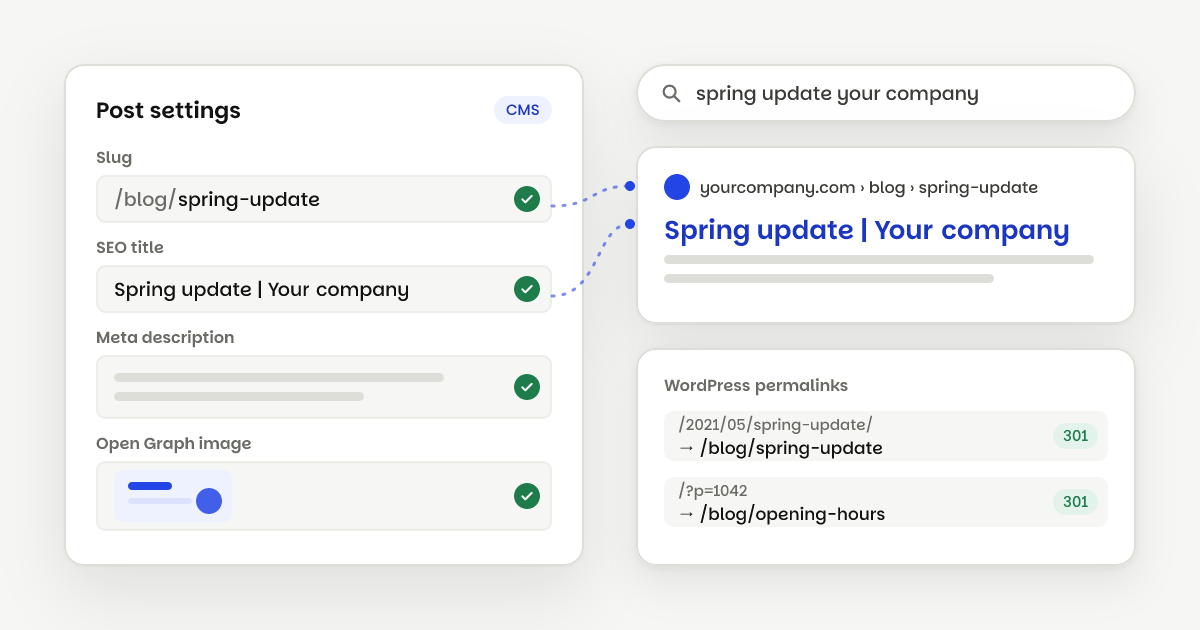
- SEO controls: titles and descriptions per page, an auto-generated sitemap, canonical tags and 301 redirects.
- Backups, generated automatically for one-click restore.
There are no plugins to install, renew or update. That cost never shows up on a price list, but anyone who has run a WordPress site knows it well.
Do you need a Workspace plan as well?
Maybe not. Workspace plans are for the people building sites: designers, developers and teams. Every Webflow account includes a free Starter Workspace. The paid ones are Core at $19 a month and Growth at $49 a month, both billed yearly, and they add staging sites, code export and team permissions.
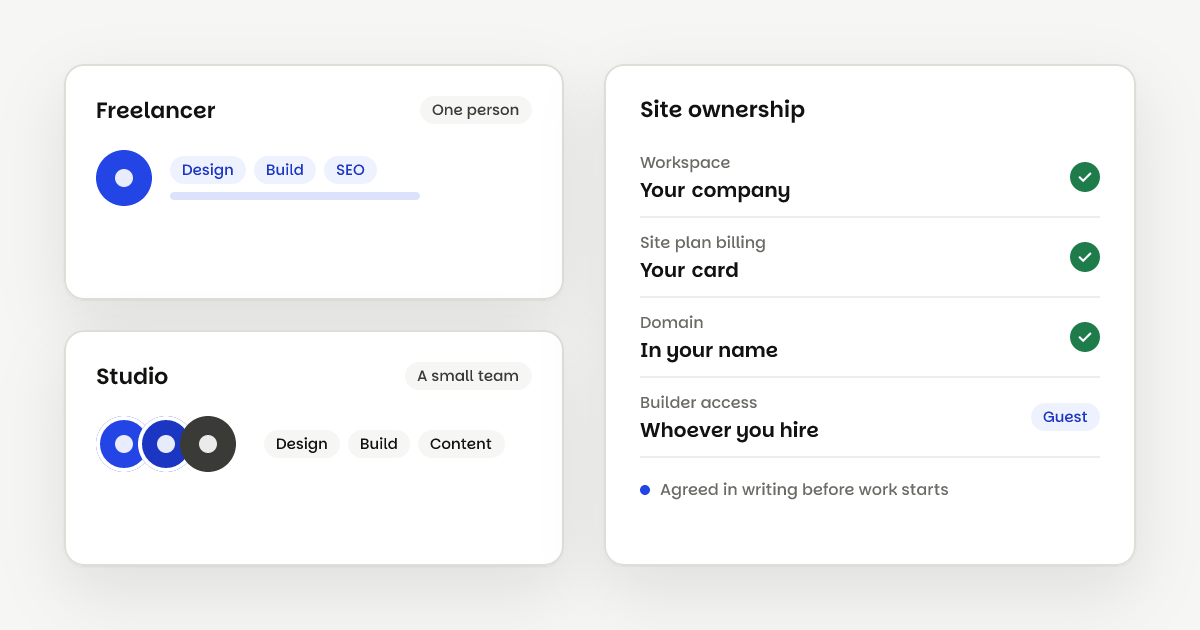
If you build and run the site yourself, you may want one. When we build your site, we work in our own paid Workspace and you pay Webflow for the site plan with your own card. At launch we move the site and its plan into your Workspace. The free Starter one is enough, because the paid site plan sets the site's limits and the 2-page cap doesn't apply.
What else goes in the yearly budget?
A few lines sit outside the site plan:
- Your domain name. Webflow connects a domain you own. You pay for the domain itself to whichever registrar you bought it from.
- Add-ons, only if you need them. Webflow Localize, for translating your site, starts at $9 a month. Analyze (site analytics) and Optimize (A/B testing) are also optional add-ons.
- Other tools. A booking system, newsletter tool or live chat comes with its own price, on any platform.
What does upkeep cost?
With no plugins or server updates to run, upkeep is mostly the changes you want to make. Businesses usually handle them in one of three ways:
- Do it yourself. Webflow lets you edit text, images and blog posts on the page without touching the design. For many businesses, that covers most updates.
- Ask for help when you need it. Bigger changes, like a new page layout, go to whoever built the site. Our extra pages are $500 each.
- Work with a team every month. Our Build monthly plan starts at $2,000 a month for ongoing design and build work.
How does that compare with WordPress?
WordPress software is free to download, but a business site on WordPress usually pays for hosting and some premium plugins every year. These are the yearly prices at a few well-known providers:
| Yearly cost | Webflow | WordPress |
|---|---|---|
| Software or site plan | $300 (Premium site plan) | $0 (the software is free) |
| Managed hosting | Included | $336 to $350 (WP Engine Essential, Kinsta Single) |
| Premium plugins | Not needed | $59 to $118.80 each (Gravity Forms Basic, Yoast SEO Premium) |
| Updates and fixes | Handled by Webflow | Your time, or someone's |
Your numbers will differ with your hosting and plugins. The bigger difference is usually the time: on WordPress, someone has to keep core, theme and plugins updated. We go into this in more detail on why we build in Webflow and in our Webflow vs WordPress comparison.
What does a realistic yearly budget look like?
For a business site with a blog, a simple budget has four lines:
- Webflow Premium site plan: $300 a year.
- Domain: whatever your registrar charges.
- Add-ons and tools: only the ones you'll use.
- Changes: your own time in the Editor, plus help for bigger jobs.
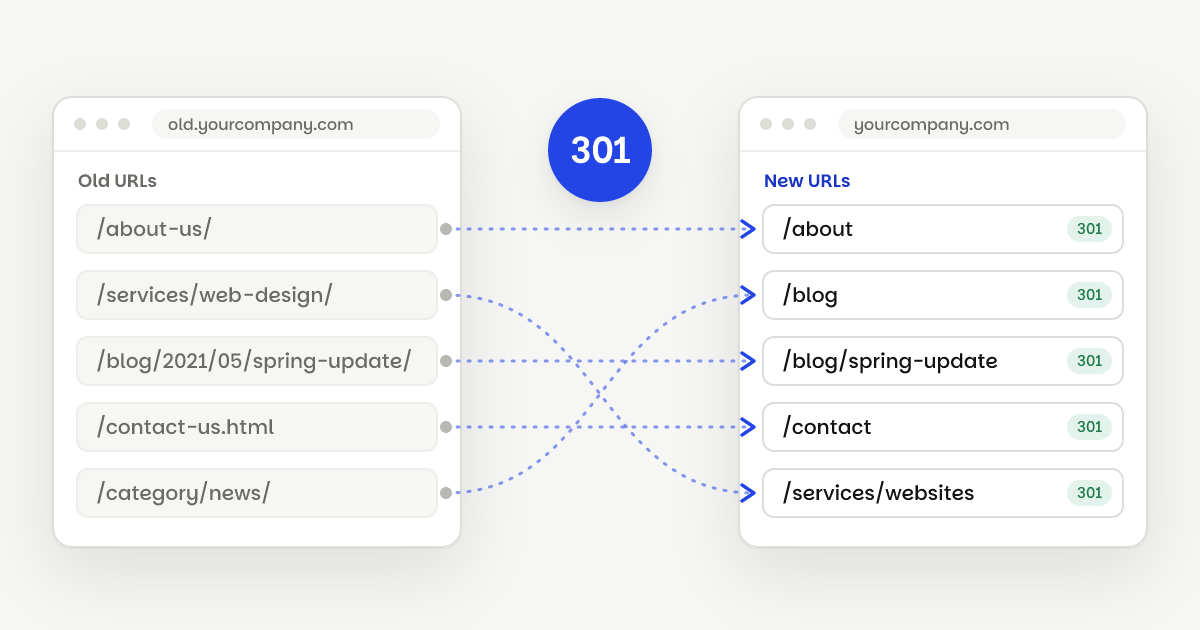
Moving from another platform? Hosting and plugins drop off the list, and the move itself is a one-off cost. Our redirect plan guide explains how we protect your rankings along the way.
To see what building your site would cost, our services and prices are on one page. Or book a free call and we'll talk it through.
Questions
Yes. Webflow's pricing page shows site plans billed yearly and says yearly billing saves up to 40% compared with paying month to month.
Yes. Webflow lets you upgrade a site plan at any time. If you think you'll want a blog or other CMS content within the year, it's often simpler to start on Premium.
Paid plans have surge protection for short spikes. Webflow says two consecutive months over the bandwidth limit trigger an automatic plan upgrade.
You do. When we build your site, you pay Webflow directly for the site plan, and we transfer the finished site to your own Webflow Workspace. That keeps the site in your name, whoever you work with later.