Launch day: what to test after a website migration
By the Inovaara Studio team5 min read
On this page
After a website migration, test four things first: that every old URL redirects to the right new page, that search engines can crawl and index the new site, that forms deliver, and that analytics is recording. The first hour catches most problems. The next few weeks in Search Console confirm the move worked.
What should you check before you switch the domain?
A calm launch day starts the day before. Run through these while the new site is still on staging:
- Staging stays out of search. On Webflow, turn off staging indexing so the
webflow.ioaddress isn't indexed next to your real domain. - Redirects are loaded. The full redirect sheet is imported, and no new page sits on an old path. In Webflow, a redirect won't fire while a live page still uses that address.
- The sitemap is on. The auto-generated sitemap should be enabled, so it's ready on the live domain.
- The canonical URL is set. Webflow's global canonical tag should be your main domain with
https://, no trailing slash, andwwwif your domain uses it. - Form notifications go to the right inbox. Check who receives each form's emails before real enquiries start arriving.
- You have a test list. Pull your most-visited old URLs from analytics, plus the full redirect sheet. Those are what you'll test first.
If you haven't built the redirect sheet yet, start with what a redirect plan is and how to make one.
What do you test in the first hour after launch?
Once the domain points at the new site and it's published, work through the list in this order. The first three protect your rankings; the rest protect your enquiries.
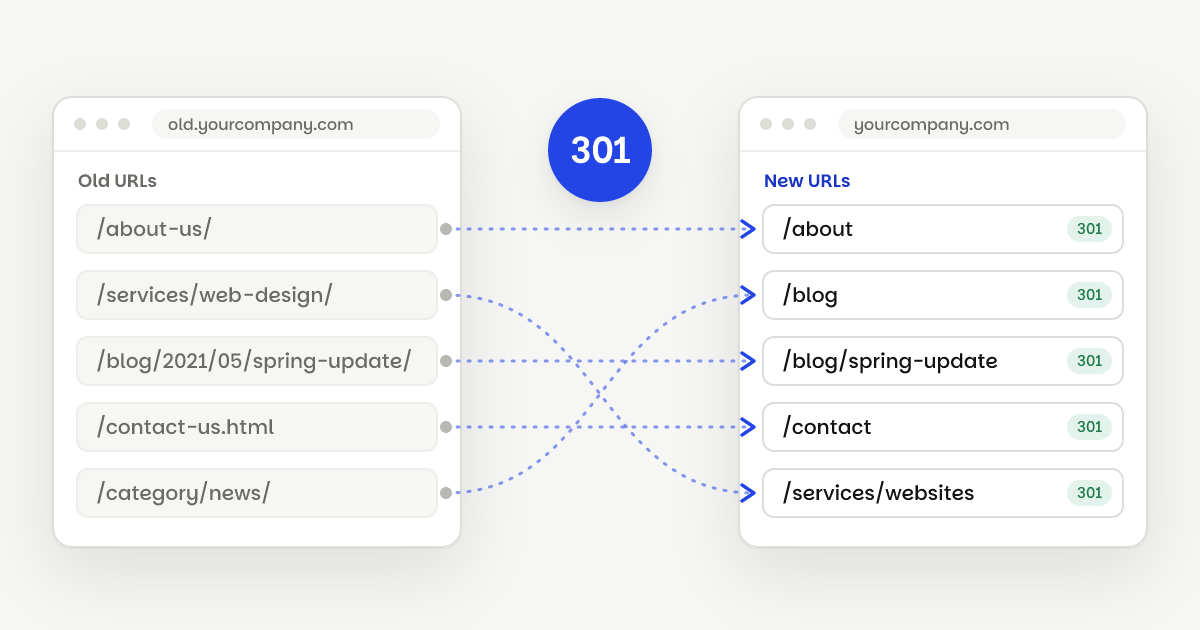
- Redirects. Open old URLs from your list. Each should answer with a 301 and land on the right page in one hop, not via a chain. Try both the trailing-slash and no-slash versions of a few, and any odd formats your old site used, such as
/?p=1042. - Indexing. On your key pages, check that there's no leftover
noindextag. Open/robots.txtand make sure it isn't blocking the whole site, and open/sitemap.xmlto confirm it lists your live pages. - Canonical tags. View the source of a few pages. Each canonical tag should point to its own page on the live domain, with no
webflow.ioaddresses and no double slashes. - Domain versions.
http://should go tohttps://, and thewwwand non-wwwversions should both end up on your one default domain. - Forms. Submit every form on the site. Check that the notification email arrives and the submission is recorded.
- Analytics and tags. Visit the site and check that your analytics shows the visit in real time. Test any conversion tracking, such as a form thank-you page.
- The 404 page. Visit a made-up address. You should see your 404 page, and pages you retired on purpose should also return a 404 or 410, not redirect to the home page.
- Files and embeds. Open linked PDFs, videos, maps and booking widgets. Embedded tools sometimes need the new domain added to their own settings.
What are the most common launch-day problems?
Most of the issues we look for have a simple cause and a quick fix:
| Problem | Usual cause | Fix |
|---|---|---|
| Old URL shows a 404 | A redirect is missing, or a Webflow page still sits on the old path | Add the rule, or rename or remove the page, then publish |
| Redirect goes through several hops | Old redirects from a past redesign | Point each old URL straight at the final page |
| Many old pages land on the home page | A catch-all rule | Map each page to its closest match; Google may treat home-page dumps as soft 404s |
| New pages aren't indexed | A noindex left on from staging | Turn page indexing back on and publish |
| Canonicals point to the wrong place | Missing protocol, www mismatch or a trailing slash | Fix the global canonical URL and publish |
| No enquiries arriving | Notifications still go to an old inbox | Update the form settings and send a test |
What should you watch in Search Console?
Google's site move guide suggests a few things for the weeks after launch:
- Submit the new sitemap. Keep the old sitemap submitted for a while too, so Google finds the redirects faster. Warnings that old URLs redirect are expected.
- Watch the indexing reports. Indexed pages on the old URLs should fall as the new ones rise. Fix unexpected crawl errors as they appear.
- Watch search queries. The new URLs should start picking up impressions and clicks.
- If the domain changed, use the Change of Address tool for the old site.
Google says to expect temporary ranking movement during a move, and that a medium-sized site can take a few weeks or more to settle. Keep your redirects in place for at least a year; we leave them in for good.
Moving from WordPress? Its archive and attachment URLs are easy to miss. Our guide to keeping your rankings when leaving WordPress lists the ones to test.
How do we handle launch day?
Launch and checks are the last of the five steps in every migration we do. We switch the domain, test every redirect from the reviewed sheet, check indexing, canonicals and forms on the live site, and submit your sitemap. Then we watch for broken links through the bug-fix window. New builds get the same launch checks as part of our Webflow development work.
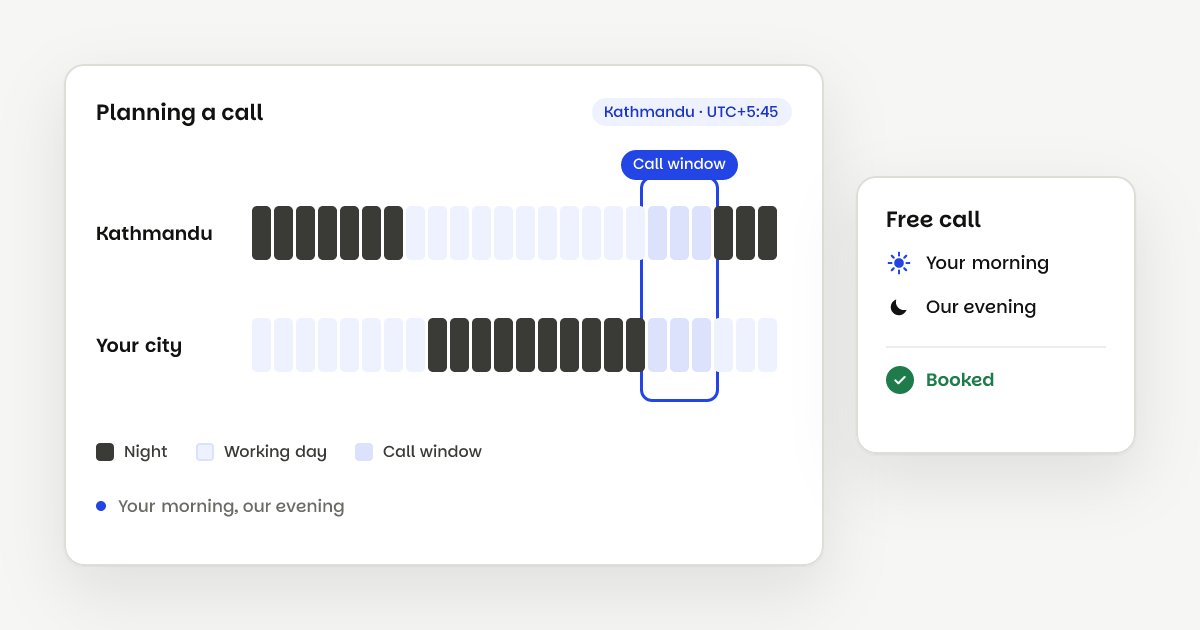
If you have a move coming up, book a free call and we'll walk through what launch day would look like for your site.
Questions
If the domain stays the same, submitting the new sitemap in Search Console is enough. If the domain changes, Google also asks you to use the Change of Address tool for the old site.
Use the full list from your redirect plan, not a sample. A crawler that accepts a list of URLs can check each one's status code and final address in one run.
Some movement is normal while Google processes a move. Look page by page: if one page lost its traffic, check that its old URL redirects to the right place and that the new page is indexable.
Yes, where you can. Google suggests updating as many links as possible, including your own profiles and listings, so visitors skip the redirect altogether.
Sources
- Google Search Central: Site moves with URL changes
- Google Search Central: Redirects and Google Search
- Webflow Help: Disable search engine indexing
- Webflow Help: Set canonical tags to improve SEO
- Webflow Help: How do I set up redirects in Webflow?
- Webflow pricing (form submissions and notification emails)